Snapshots vs. Backups: Understanding Their Roles in Modern Data Protection
Learn why snapshots alone fail during ransomware attacks and how backups protect your cloud data from permanent loss and long recovery times.
Snapshots vs. Backups: The $340,000 Cloud Data Loss Mistake
A SaaS company ran snapshots every hour. They felt safe, and protected and then ransomware hit.
The attack encrypted their primary storage. Every file is locked, and every database is inaccessible. They went to restore from snapshots. Same story encrypted and unusable.
Why? The snapshots lived on the same storage system as the source data. When ransomware locked the storage, it locked everything. Source files and snapshots are both gone.
Three days of customer data vanished. Recovery took weeks. The bill: $340,000 in lost revenue and emergency fixes.
The problem wasn't bad technology. It was a misunderstanding. They thought snapshots and backups were the same thing, but both are different.
Why Confusing Snapshots and Backups Leads to Data Loss
Snapshots create nearly instant copies of your data at a specific moment. On platforms like AWS EBS, Azure Managed Disks, and Tenbyte Cloud, snapshots finish in seconds.
How do they work so fast? They don't actually copy anything initially. They just mark a point in time and track what changes after that.
Your 500GB disk? The snapshot might only use 2-3 GB at first. That's just the tracking data. As you modify files, the snapshot grows to preserve the original versions.
This speed makes snapshots perfect for quick rollbacks. Deployed broken code? Restore the snapshot. Back to working state in under a minute.
Database update went wrong? Snapshot restore fixes it before users notice.
What Are Snapshots in Cloud Storage? How They Actually Work
Snapshots look free at first. Then reality hits.
Active systems write data constantly. Those writes fill snapshots fast. Within a day or two, moderate activity can push snapshot usage to 10-40% of your original disk size.
Primary storage costs real money. Way more than cold storage. Those "free" snapshots start adding up on your monthly bill.
Performance takes a hit too. Each snapshot adds a layer. Reading or writing data? The system checks through every snapshot layer. Ten snapshots active? You might see 5-15% slower disk performance.
Snapshots also share fate with your source data. Same storage pool, same infrastructure, and same failure domain.
Storage array dies? Your data and all snapshots die together. Ransomware encrypts storage? It encrypts snapshots too.
This isn't a flaw. It's how snapshots work. They're designed for speed, not isolation.
When Snapshots Are Useful for Cloud Infrastructure Recovery
Snapshots excel at operational recovery. Things that happen by accident or go wrong during normal work.
Someone deleted the wrong database table? Snapshot restore brings it back. Did a software update break the application? Roll back to the snapshot from before the update. Did configuration change cause problems? Restore to the previous state. Testing new features? Take a snapshot first. Experiment freely. Restore when done.
Recovery happens in under a minute. That speed matters when every second of downtime costs money.
Retention works best short-term. Keep snapshots for hours or days, not weeks or months. Beyond a week, snapshot chains get expensive and risky.
What Are Backups? How Cloud Backups Protect Data Differently
Backups copy your data to completely separate storage. Different infrastructure, different systems, and different locations.
Full backups of large systems can run anywhere from minutes to hours depending on size and network speed. Incremental backups speed this up by only copying what changed since last time.
Recovery takes longer too. Minutes to hours instead of seconds. For most situations, that's fine. The difference between 2 minutes and 20 minutes rarely matters during disaster recovery.
Backups land on object storage like AWS S3 or Azure Blob. This storage is ridiculously durable. Data replicates across multiple facilities automatically. Eleven nines of durability. That's losing one file out of 100 billion stored objects.
More importantly, backups exist separately from your production environment. Different storage systems, often different credentials, and sometimes different accounts entirely.
Production environment gets compromised? Backups survive. Ransomware locks your servers? Backups stay clean. Hardware fails catastrophically? Backups are elsewhere.
This isolation is the whole point. Backups protect against correlated failures that take down both source data and snapshots together.
When Backups Are Essential for Disaster Recovery and Compliance
Backups handle long-term retention. Do you need data from 30 days ago? 90 days? Two years? Backups deliver this economically, but snapshots can't.
Compliance drives backup requirements. Financial records need seven years of retention, medical data needs similar timelines, and legal documents do too. Snapshots would cost a fortune for this, but backups make sense financially.
Ransomware protection demands backups. Attacks that encrypt snapshots can't touch properly isolated backups. Companies with immutable backups recover successfully over 98% of the time. Companies relying only on snapshots? Success drops to 60-70% for serious incidents.
That gap comes from isolation. Backups survive attacks that destroy everything else.
Object-level recovery works better with backups. Need one specific file from three weeks ago? Backups let you grab just that file, but snapshots make you restore entire volumes.
Common Snapshot vs Backup Myths That Put Data at Risk
"Snapshots don't use storage space."
They absolutely do. Write activity fills snapshots quickly. Heavy workloads can hit 50% of volume size in a day.
"Backups are too slow for recovery."
Modern backup systems restore way faster than old ones. For most recovery scenarios, the difference between instant and ten minutes doesn't actually matter. The system is down either way. Users can't tell the difference between 2 minutes and 15 minutes of downtime.
"Snapshots protect against ransomware."
Only if properly isolated, which most aren't. Ransomware increasingly targets storage systems directly. The same storage pool means the same vulnerability. No isolation means no protection.
"I should pick one or the other."
Wrong. Snapshots and backups solve different problems. Using only snapshots leaves you vulnerable to correlated failures and ransomware. Using only backups sacrifices rapid recovery speed. Both together cover way more failure scenarios than either alone.
Snapshots and Backups Together: A Layered Data Protection Strategy
Smart data protection uses both snapshots and backups together. Each handles what it's good at.
Snapshots give you rapid operational recovery. Application problems, configuration mistakes, and bad updates, you can roll back in seconds.
Backups give you durable long-term protection. Disaster scenarios, ransomware, compliance retention, and even data from weeks or months ago.
The combination covers vastly more failure modes. Systems using both see over a 90% reduction in data loss risk compared to using either alone.
How Tenbyte Implements Snapshots and Backups for Cloud Data Protection
Tenbyte Cloud includes both snapshot and backup capabilities built into the platform.
Snapshot capabilities work directly with Cloud VM. Point-in-time copies for quick recovery. Automated scheduling through the API. Simple management through the dashboard.
Snapshot storage costs US$1.17 per GB monthly. You pay for what you actually use as snapshots grow.
Backup storage protects against bigger disasters. Separate storage tier designed for durability and retention. Protects against system crashes, accidental deletion, and security incidents.
Backup storage also costs US$1.17 monthly. Same simple pricing model.
You can build complete protection using both on the same platform. No external tools needed, no additional vendors to manage, everything integrated through Tenbyte Cloud.
Snapshots handle the fast operational stuff. Backups handle serious disaster recovery and long-term retention. Together they give you comprehensive coverage.
Design a Cloud Data Protection Strategy That Actually Works
Snapshots and backups aren't competitors. They're partners in a complete protection strategy.
Snapshots win on speed, sub-minute recovery for operational problems, and instant rollback for mistakes.
Backups win on durability, separate infrastructure, long retention, and ransomware survival.
Using only snapshots exposes you to correlated failures. Everything stored together means everything fails together.
Using only backups sacrifices rapid recovery. You're stuck with slower restore times even for simple problems.
The evidence is clear. Combined approaches reduce data loss risk by over 90% compared to either method alone.
Design your protection with both layers. Speed for operations. Durability for disasters. Coverage for multiple failure scenarios.
Your recovery success depends on understanding the difference and using both appropriately.
Ready to build complete data protection?
Tenbyte Cloud includes both snapshot and backup capabilities in one platform. Fast operational recovery plus durable disaster protection.
Contact us to design a protection strategy that actually covers your risks.
Read More
Block Storage vs. Object Storage: Which One Do You Actually Need?
Compare block storage vs object storage in cloud computing. Understand performance, pricing, use cases, and common mistakes to avoid.
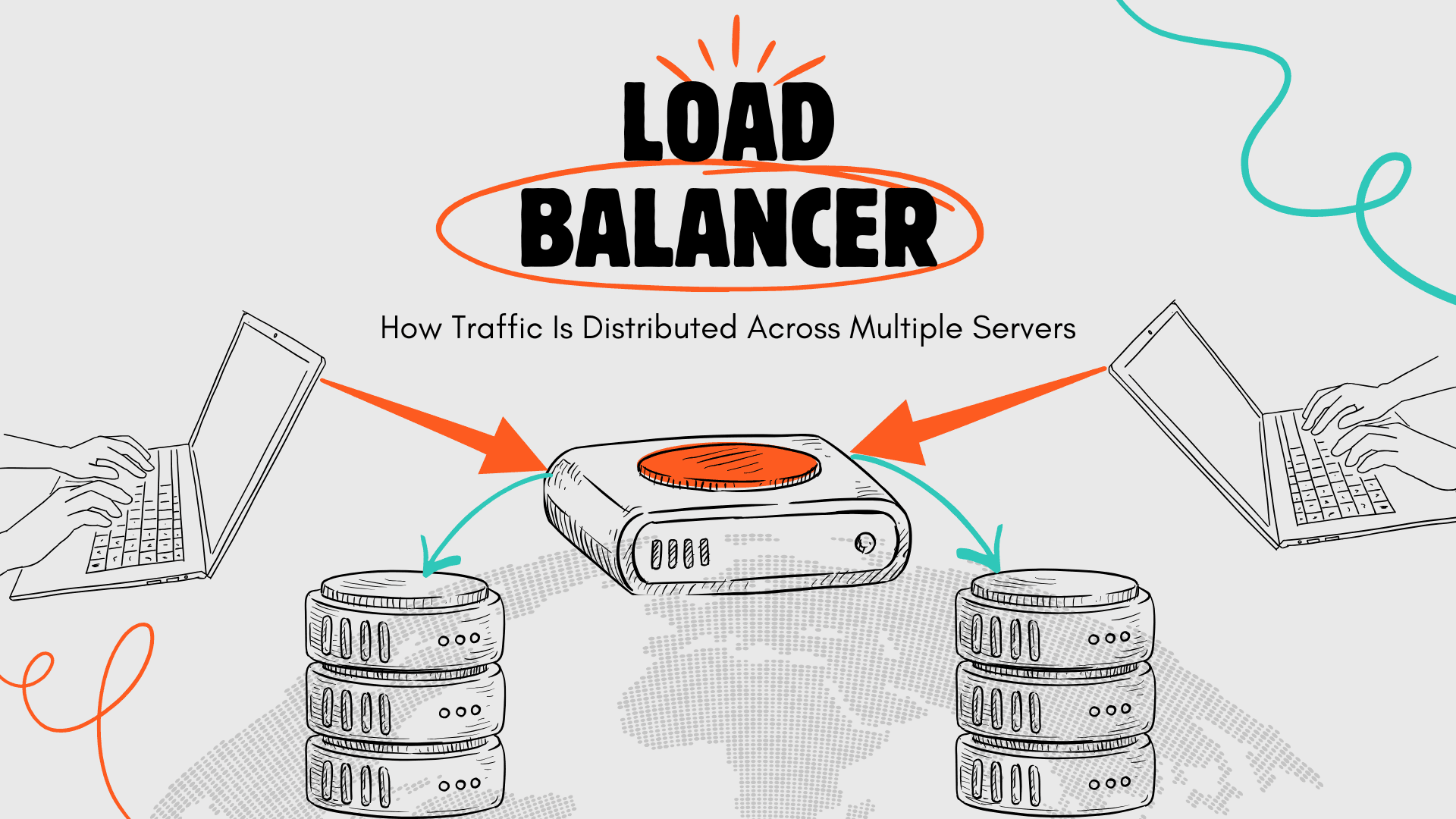
Load Balancer Explained: How It Keeps Your Applications Online During Traffic Spikes
Learn how load balancers prevent downtime, manage traffic spikes, enable failover, and keep applications online during peak demand.
Cut Cloud Costs and Boost Efficiency with Tenbyte T2 Object Storage
Tenbyte T2 Object Storage: S3-compatible. No hidden fees. Secure, scalable storage for media, backups, and big data.