Load Balancer Explained: How It Keeps Your Applications Online During Traffic Spikes
Learn how load balancers prevent downtime, manage traffic spikes, enable failover, and keep applications online during peak demand.
Why Websites Crash When Traffic Spikes
Think about the last time a website crashed on you. Maybe you were trying to buy concert tickets or maybe you were checking out during a flash sale. The site just froze or threw an error.
That crash probably happened because too many people hit the site at once. All those requests slammed into a single server. The server couldn't keep up, It gave up.
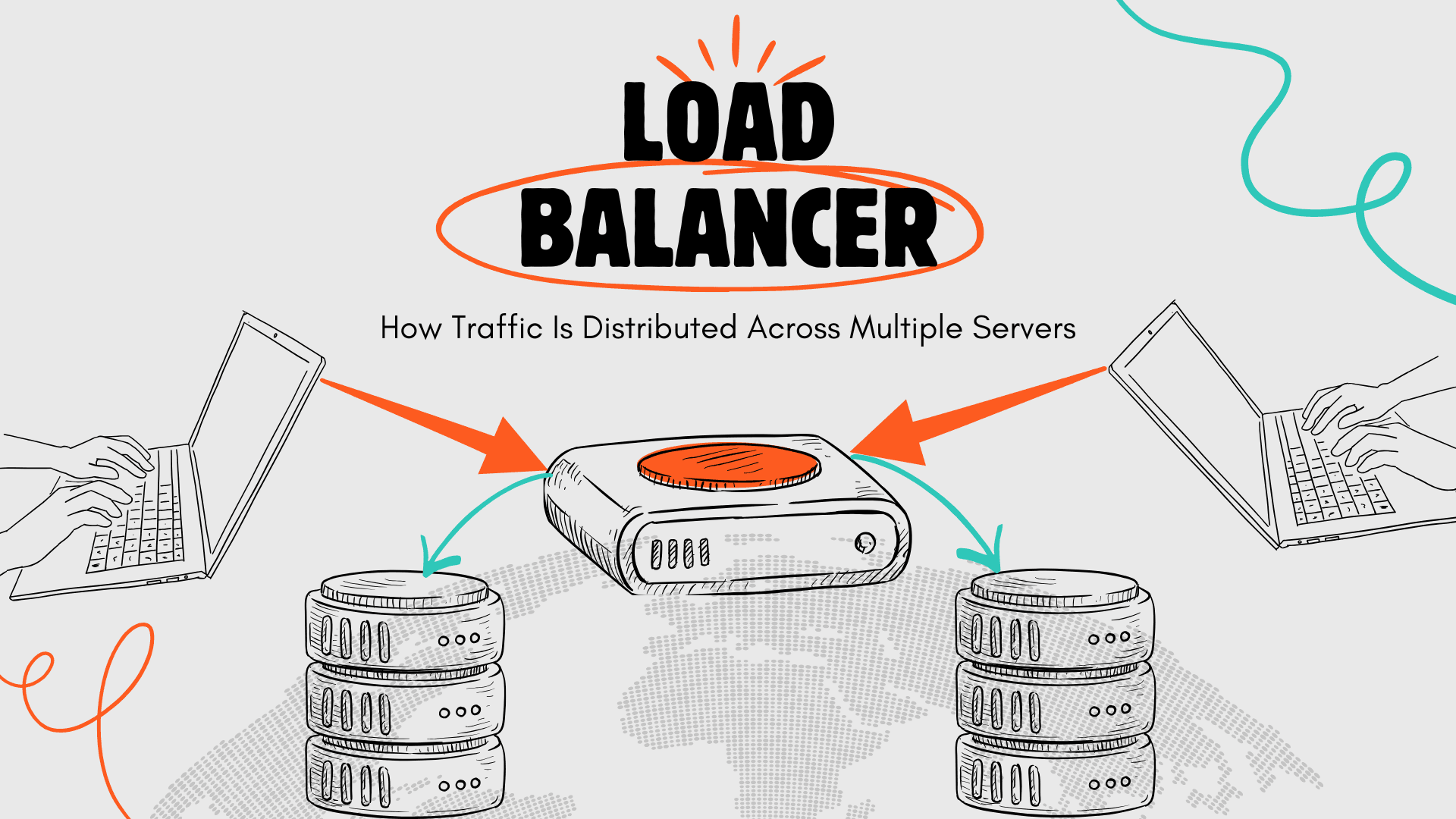
A load balancer fixes this problem. It takes incoming traffic and spreads it across multiple servers. One server can't handle 10,000 people? Fine. Split those people across ten servers instead.
This isn't new technology. Big companies have used load balancers since the 1990s. But cloud computing made them cheaper and easier to set up. Now even small startups can afford proper load balancing.
What a Load Balancer Does and Why It Exists
Picture a packed restaurant on Friday night. One host stands at the entrance. Five dining rooms are open. The host peeks into each room, spots which ones have empty tables, and sends each group to a different room. Nobody waits too long. No single room gets crushed with too many people.
Load balancers work like that host. Users type in your website address, then the load balancer checks which backend servers are working properly and picks one for each visitor.
Users never know this is happening. They just see their page load or their API call work. Behind everything, their request went to Server 4, the next person's request went to Server 2.
If your server crashes, the load balancer spots it in seconds. Stops sending people there immediately. Your site keeps running because other servers take over the work.
No manual fixes needed. No DNS updates. No downtime. The system heals itself.
Health Checks and Automatic Failover Explained
Most load balancers check server health every few seconds. When a server stops responding, the load balancer removes it from the pool. Traffic goes to the remaining servers until the failed one comes back online or gets replaced.
This happens automatically. You don't need to log in and fix routing rules. You don't need to update DNS records. The load balancer handles it.
Some load balancers also manage TLS certificates. Instead of configuring SSL on every backend server, you configure it once on the load balancer. This cuts down CPU load on your application servers and makes certificate management simpler.
Layer 4 vs Layer 7 Load Balancers: Which One Do You Need
Load balancers work at different network layers. Pick the right one for what you're building.
Layer 4 load balancers only look at IP addresses and port numbers. They're blazing fast because they don't peek inside the actual content. Just check where it's going and forward it.
This speed matters a lot for specific stuff. Gaming servers need zero lag, video streaming needs maximum bandwidth, voice calls need instant response. Layer 4 nails all of these.
Layer 7 load balancers actually read URLs, headers, cookies, and what's in the request. This means they can make smart decisions about where to send traffic.
Send API calls to one group of servers and images to another group. Route mobile users differently than desktop users. Run A/B tests by sending 10% of people to your experimental version.
Layer 7 adds a couple milliseconds of delay. Modern ones are super optimized though. For typical websites and apps, that tiny delay is absolutely worth the flexibility.
When You Actually Need a Load Balancer
You need load balancing if you run more than one server for anything. Even just two virtual machines benefit from a load balancer making failover automatic. One dies? Traffic keeps flowing through the other.
You also need it if your traffic changes throughout the day. Online stores get slammed in the evenings. Business apps get heavy use during work hours. Load balancers let you add or remove servers without changing anything users see.
Some teams use load balancers for deploying updates without downtime. Keep your old version running on half the servers. Put the new version on the other half. Load balancer sends traffic to both. Does everything work? Switch everyone to the new version gradually.
Common Load Balancer Mistakes That Break Scaling
Lots of teams think load balancers magically fix all scaling issues, but they don't. Load balancers spread traffic around, but if your database is choking, adding more web servers won't help at all.
Another mistake is using session affinity for no good reason. Session affinity glues each user to one specific server. Sounds nice for keeping their session data, but it wrecks load balancing effectiveness. That server dies? The user loses their session anyway. Better plan? Store sessions in Redis or your database where all servers can grab them.
Some users think Layer 7 load balancers are always slow because they inspect content. Modern ones are crazy optimized. The delay is usually just a few milliseconds. Measure it yourself, but usually the benefits crush any tiny speed cost.
Load Balancer Metrics You Should Always Monitor
Load balancers spit out useful data. Pay attention to these numbers.
A healthy backend count should stay steady. A sudden drop means servers are crashing or health checks are misconfigured. Either way, investigate immediately. Your capacity just shrunk.
Request latency needs percentile analysis, not averages. Average latency might be 50ms. But if 5% of requests take 10 seconds, users are suffering. Check p95 and p99 latency. Those numbers reveal problems that averages hide.
Error rates tell you what's breaking. A spike in 500-level errors means backend servers are failing. A spike in 400-level errors means clients are sending bad requests. Track both over time so you spot anomalies fast.
Active connections matter for Layer 4 setups and long-lived connections like WebSockets. Connection counts climbing without dropping? You might have a connection leak or need to tune keepalive settings.
Request distribution should be roughly even across backends. One server getting triple the traffic of others? Your load balancing algorithm is broken, or one server is marked as having higher capacity than it actually has.
How Tenbyte’s Managed Load Balancer Works
Tenbyte provides a managed Load Balancer, while customers configure backend targets, ports, and security rules. It connects directly to your virtual machines and works with your VPC, firewall, and DDoS protection.
You get a static public IP. Point your domain there. The load balancer itself is sending traffic across your backend servers. Those servers can be located in one availability zone or several availability zones for more resiliency.
Bandwidth comes unlimited. Traffic flowing through the load balancer doesn't cost extra per gigabyte. No surprise bills when traffic spikes. No complex pricing calculations.
The load balancer integrates with the Tenbyte Cloud Firewall. You can control which IP addresses reach your application and filter traffic at the network level before requests hit your backend servers.
Setup takes minutes. Create the load balancer, specify your backend servers, and assign the IP. Traffic starts flowing immediately. Add or remove servers anytime. The load balancer adapts automatically.
Load Balancer Questions People Ask Most Often
What happens when a server crashes?
Health checks catch it in seconds. The load balancer stops sending traffic there right away. Other servers pick up the work. Fix it, and it jumps back in automatically once health checks pass.
Is it worth it with just one server?
You get a stable IP and security stuff, but you lose automatic failover. Two servers minimum makes real sense.
How do health checks work?
Load balancer pings each server every few seconds. Servers that answer stay active. Ones that fail or timeout get marked dead and pulled from rotation.
How much traffic can it handle?
Modern cloud load balancers push millions of requests per second. Your servers will choke before the load balancer does.
Stop Downtime and Handle Traffic Spikes With Proper Load Balancing
Traffic spikes shouldn't wake you up at 3 AM. Server crashes shouldn't kill your business. Updates shouldn't feel like rolling dice with your uptime.
Tenbyte's managed Network Load Balancer handles the messy technical stuff so you can focus on building your product. Unlimited bandwidth. Works with firewall and DDoS protection. Setup in minutes instead of fighting with configs for days.
Contact Tenbyte and let us design a load balancing setup that actually fits your needs. We'll explain your options, answer whatever you're wondering about, and help you build something that just works.
Read More

BDIX VPS Hosting: Make your application 10X faster
Improve website speed in Bangladesh with BDIX VPS hosting designed for low latency, local traffic, and better user experience.

How Tenbyte CDN Transforms Content Delivery: A Technical Deep Dive
Tenbyte CDN is built with a deep understanding of the South Asian market while maintaining international standards.

Cut Cloud Costs and Boost Efficiency with Tenbyte T2 Object Storage
Tenbyte T2 Object Storage: S3-compatible. No hidden fees. Secure, scalable storage for media, backups, and big data.