Block Storage vs. Object Storage: Which One Do You Actually Need?
Compare block storage vs object storage in cloud computing. Understand performance, pricing, use cases, and common mistakes to avoid.
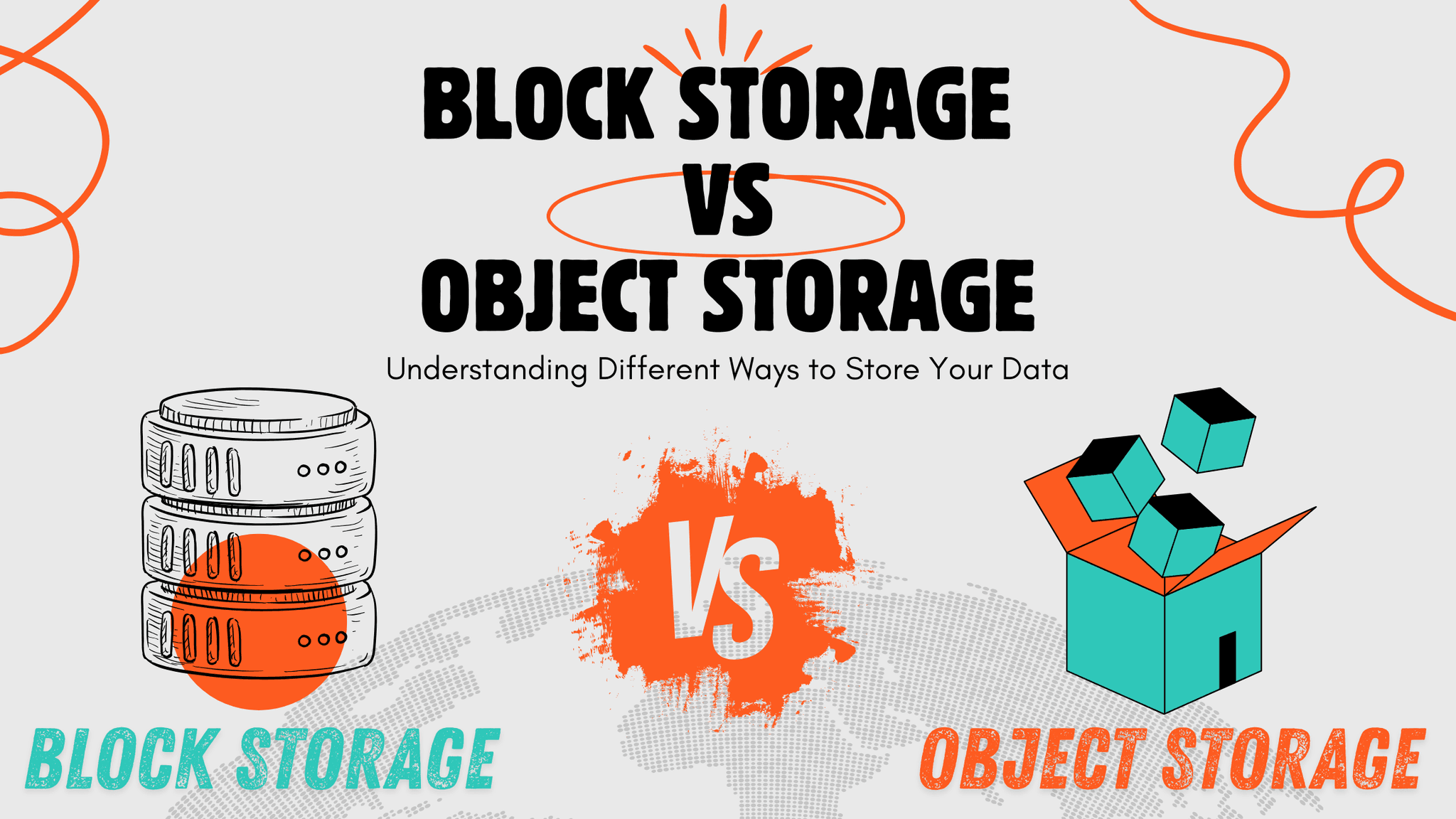
The Cloud Choice Most People Get Wrong
You're setting up a new application in the cloud. The provider asks: block storage or object storage?
But if you aren't sure and know the difference, you’re not alone. And most people choose one at random, or whatever the default is.
That choice matters more than you think. Pick wrong and you'll either waste money or kill performance.
What Is Block Storage in Cloud Computing?
Block storage operates similar to a hard drive connected to your computer. The operating system sees raw blocks of data. It reads and writes to specific locations by their position.
Your VM boots from block storage, your database runs on block storage, and applications that need a disk use block storage.
It's fast with low latency and high IOPS and perfect for anything that needs quick responses.
When you save a file, the system writes it directly to specific blocks on the disk. Need to change part of that file? It instantly updates just those blocks.
Block storage attaches to one server at a time. That server treats it like a local disk. Format it with a file system, install an operating system, and run a database. Whatever needs disk-level access.
What Is Object Storage, and How Is It Different from Block Storage?
Object storage works completely differently. No disk, no file system, and no direct attachment to servers.
Instead, you store objects. Each object is a file with metadata plus a unique identifier. You access objects through APIs, not disk operations.
It’s similar to a huge library. Every item has an ID number. You request items by their ID. The library finds them and hands them over. You don't browse shelves directly.
Object storage scales to insane sizes, billions of objects, but it doesn't matter. The system handles it.
Each object carries metadata, tags, descriptions, and custom information. This makes organizing and finding data way easier at scale.
Tenbyte T2 Object Storage, AWS S3, Azure Blob Storage, Google Cloud Storage, are all object storage systems.
Block Storage vs. Object Storage Performance: What Actually Matters
Block storage wins on speed for transactional work. Database queries? Millisecond responses.
Object storage is slower for small requests. Each operation goes through HTTP APIs. If there's overhead, latency is higher.
But object storage shines for big sequential operations. Uploading a 10GB video file? Object storage handles it efficiently. Downloading millions of log files? Object storage scales perfectly.
For databases that need fast random access, block storage is the only real choice. For storing media files, backups, or archives, object storage makes way more sense.
How Block Storage and Object Storage Handle Data Changes
Block storage lets you change part of a file instantly. Database updates a few rows? Those specific blocks get rewritten. Nothing else changes.
Object storage doesn't work that way. Want to change something? You replace the entire object, no partial updates.
A 1GB file needs one line changed? Object storage makes you upload a new 1GB file. Block storage changes just the relevant bytes.
This matters for applications. Database writes happen constantly in small chunks. Block storage handles this naturally. Object storage would be a disaster.
Block Storage vs. Object Storage Cost Differences
Block storage charges for the capacity you provision. Reserve 500GB? You pay for 500 GB whether you use it or not. Performance costs extra. Need more IOPS? Higher throughput? The price climbs.
Object storage charges for what you actually store plus requests. With 500GB but in need of only 200GB? You pay for 200 GB. Massive datasets on block storage get expensive fast. That same data on object storage costs way less.
Cold data you rarely access? Object storage offers even cheaper tiers. Glacier-style archival storage drops costs to almost nothing.
Real Use Cases
When to Use Block Storage: Real-World Examples
- Database servers running MySQL, PostgreSQL, MongoDB
- Virtual machine boot disks and system volumes
- Applications needing filesystem access and file locking
- Anything requiring low latency and high IOPS
- Development and testing environments with frequent reads/writes
When to Use Object Storage: Real-World Examples
- Backup and disaster recovery storage
- Media files, videos, and images at scale
- Log aggregation and analysis
- Machine learning training datasets
- Static website hosting and CDN origins
- Data lakes for analytics
- Long-term archival storage
Why Metadata Makes Object Storage Easier to Manage at Scale
Block storage has minimal metadata. Basically just what the filesystem provides, like filename, size, and timestamps.
Object storage treats metadata as a first-class feature. Add custom tags, store descriptions, track versions, and set access policies, everything at the object level.
Need to find all images uploaded in March tagged as "product photos"? Object storage makes this possible. Block storage requires you to build this yourself on top of the file system.
For organizing millions or billions of files, object storage's metadata capabilities become essential.
Common Block Storage vs. Object Storage Mistakes to Avoid
Using object storage like a filesystem. Object storage doesn't support POSIX operations. No file locking, no random writes, and treating it like mounted disk storage causes problems.
Running databases on object storage. The latency and lack of partial updates kill performance. So databases need block storage.
Storing cold archives on block storage. Huge waste of money. That data sitting untouched costs way more on block storage than it should.
Thinking object storage is always slower. For big sequential operations and massive parallel access, object storage actually performs really well. The latency only hurts small transactional workloads.
Not considering access patterns. How you access data matters more than anything. Random small reads and writes? Use block storage. Bulk uploads and downloads? Use object storage.
How Tenbyte Cloud Supports Both Block and Object Storage
Tenbyte Cloud offers both block storage and object storage as part of the platform.
Block Storage comes with Cloud VM. Attach volumes to your virtual machines. Format them however you want. Install operating systems, run databases, and perform standard disk operations at cloud scale.
Pricing is straightforward per gigabyte monthly. You provision what you need and pay for that capacity.
T2 Object Storage provides S3-compatible APIs for massive scalability. Store backups, media files, logs, and archives. Access via standard S3 tools and libraries.
Object storage pricing is also per gigabyte but typically costs less for large cold datasets since it's optimized for that use case.
Use block storage for your running applications. Use object storage for everything else that needs durable, scalable, cheap storage.
Block Storage vs. Object Storage: How to Choose the Right One
The decision comes down to access patterns and requirements. Need disk-like access? Low latency? Frequent small reads and writes? Use block storage. Need massive scale? Rich metadata? Lower cost per GB? Accessing via APIs? Use object storage.
Most cloud deployments use both. Virtual machines and databases run on block storage. Backups, media, and archives live in object storage.
Don't force one to do the other's job. Block storage makes a terrible backup repository. Object storage makes a terrible database disk.
Use each for what it's designed for. Performance stays high, costs stay reasonable, and problems stay minimal.
Need both block and object storage for your cloud infrastructure?
Tenbyte Cloud includes both options with simple pricing and full integration. Run your applications on block storage. Store your data at scale in object storage.
Contact us to discuss which storage types fit your workload best.
Read More
Cut Cloud Costs and Boost Efficiency with Tenbyte T2 Object Storage
Tenbyte T2 Object Storage: S3-compatible. No hidden fees. Secure, scalable storage for media, backups, and big data.
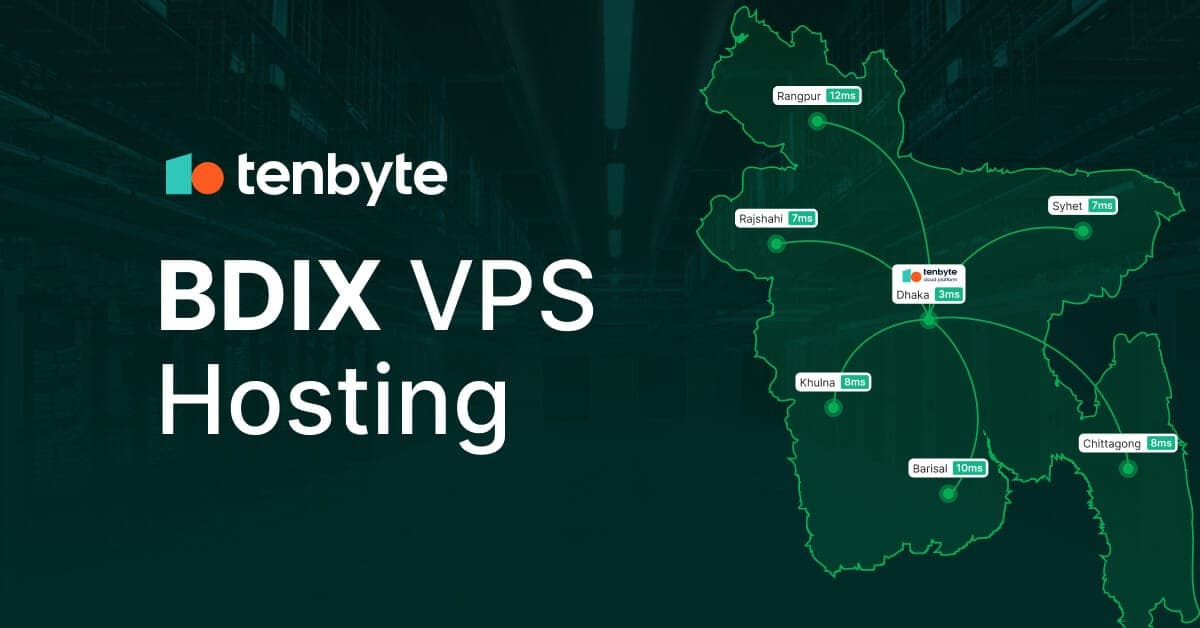
BDIX VPS Hosting: Make your application 10X faster
Improve website speed in Bangladesh with BDIX VPS hosting designed for low latency, local traffic, and better user experience.
Snapshots vs. Backups: Understanding Their Roles in Modern Data Protection
Learn why snapshots alone fail during ransomware attacks and how backups protect your cloud data from permanent loss and long recovery times.